Colour for every idea
Create with colour. Bring every idea to life.
Build palettes, explore scales and schemes, preview rooms and designs, and discover paint colours, all in one place.
Start creating
Tools for every colour idea
Palettes, scales, room previews and paint references. Everything runs in your browser, no account needed.
Curated palettes
Combinations that work together
Each scheme says which colour goes on which surface. Preview it, then make it your own.
- Boundary wall#FFFBEF
- Pillars#F36A5B
- Metal gate#1E2F6B
- Wall coping#FBFCFF
- Right pillar#F36A5B
- Walls#FFE98A
- Roof#E0703F
- Trim#FBFCFF
- Plinth#1F7A8C
- Door#2F5FD8
- Main wall#FFA62B
- Side wall#9FE2C8
- Ceiling#FBFCFF
- Skirting#2D9CDB
- Main wall#B79CF0
- Side wall#FFFBEF
- Ceiling#FBFCFF
- Skirting#8E2F6B
- Main wall#F36A5B
- Side wall#FFFBEF
- Ceiling#FBFCFF
- Skirting#2F5FD8
- Main wall#8DC3F2
- Side wall#FBFCFF
- Ceiling#FBFCFF
- Skirting#1F7A8C
Example workflows
From an idea to a finished result
For designers
Build a brand palette
For homeowners and painters
From an idea to the walls
For developers
A colour system in code
Choose your space
Every room has a colour story
Pick a room or the outside of your home, see ideas for it and try them on a sample space.

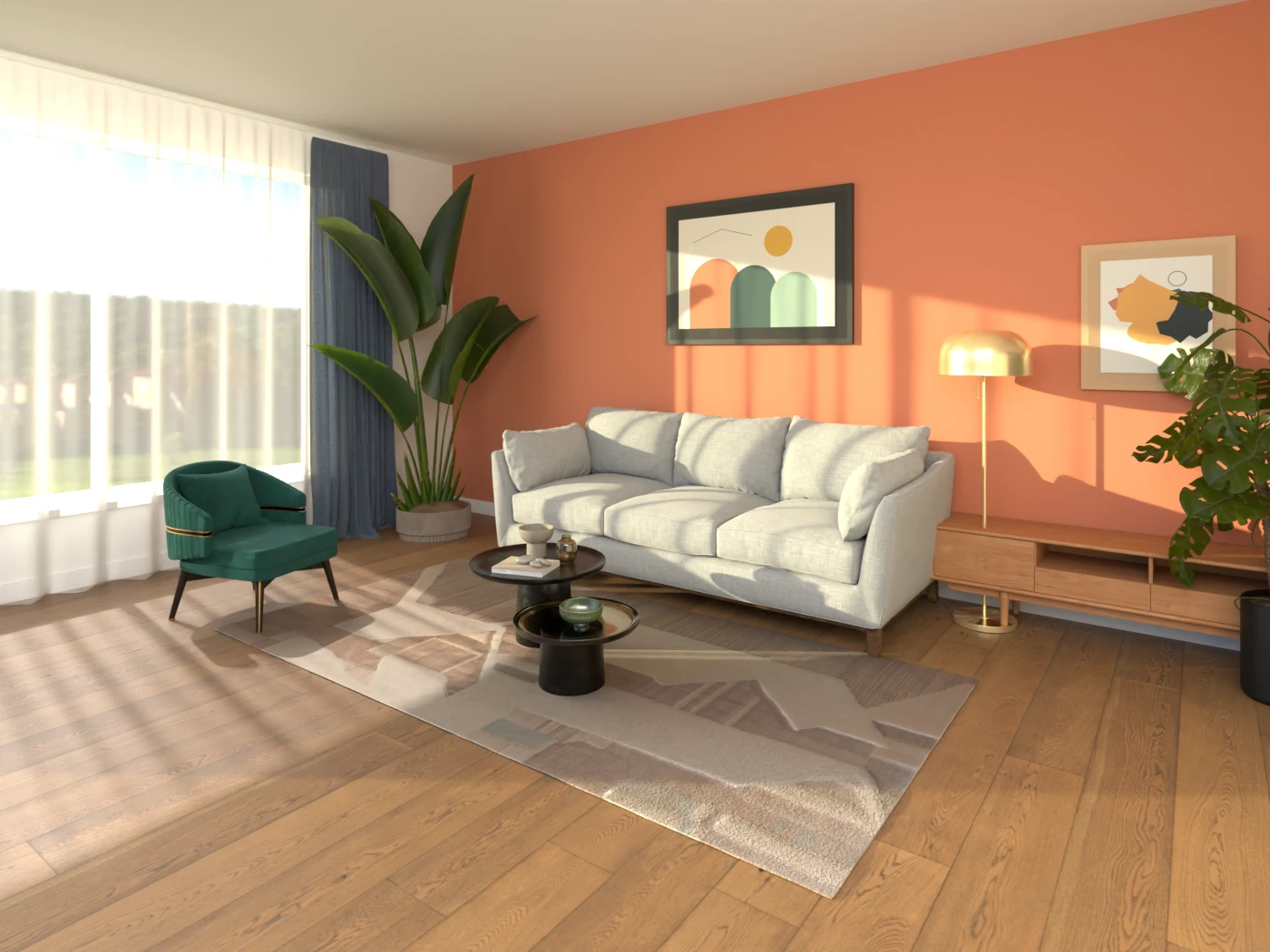
Living room
Try colours here
Bedroom
Try colours here
Kitchen
Try colours here
Bathroom
Try colours here
Children’s room
Try colours here
Home office
Try colours here
Bungalow exterior
Try colours here
Boundary wall & gate
Try colours hereIllustration · colours are digital concepts.
Explore colour families
From crisp whites to bold blues
Start with a family you love, then narrow it down by lightness, collection or brand.
Try your own home
See colours on your own walls
Upload a photo, mark the walls you want to paint and try colours. Your photo stays on your device.
- 1
Add a photo
Use a clear, daylight photo of the room or the front of your house.
- 2
Mark the walls
Tap a wall to select similar-coloured areas, or outline it. Tidy edges with the brush and eraser.
- 3
Try and compare
Apply colours to each wall, keep up to three schemes and compare them side by side.
Your photo is processed in your browser and is not uploaded to this website.
Paint reference library
Paint brands and their resources
Independent listings that point you to each manufacturer’s own catalogue and product information.
Manufacturer listings are being reviewed
Official shade names and codes are added only once their source and permission to use them are confirmed. Until then the chart shows PaintColorKE’s own concept colours, clearly labelled.
About manufacturer listingsPlan your painting
From colour to a practical plan
Estimate how much paint you need, understand finishes and prepare surfaces properly.
Paint calculator
Work out litres, whole tins and primer from your room sizes or wall area, with an optional cost estimate in your currency.
OpenPaint finishes
Matt, eggshell, satin and gloss: what each is good at and where to use it.
OpenSurface preparation & textures
Prepare walls properly and choose textures that keep the colour looking right.
OpenInspiration and practical guides